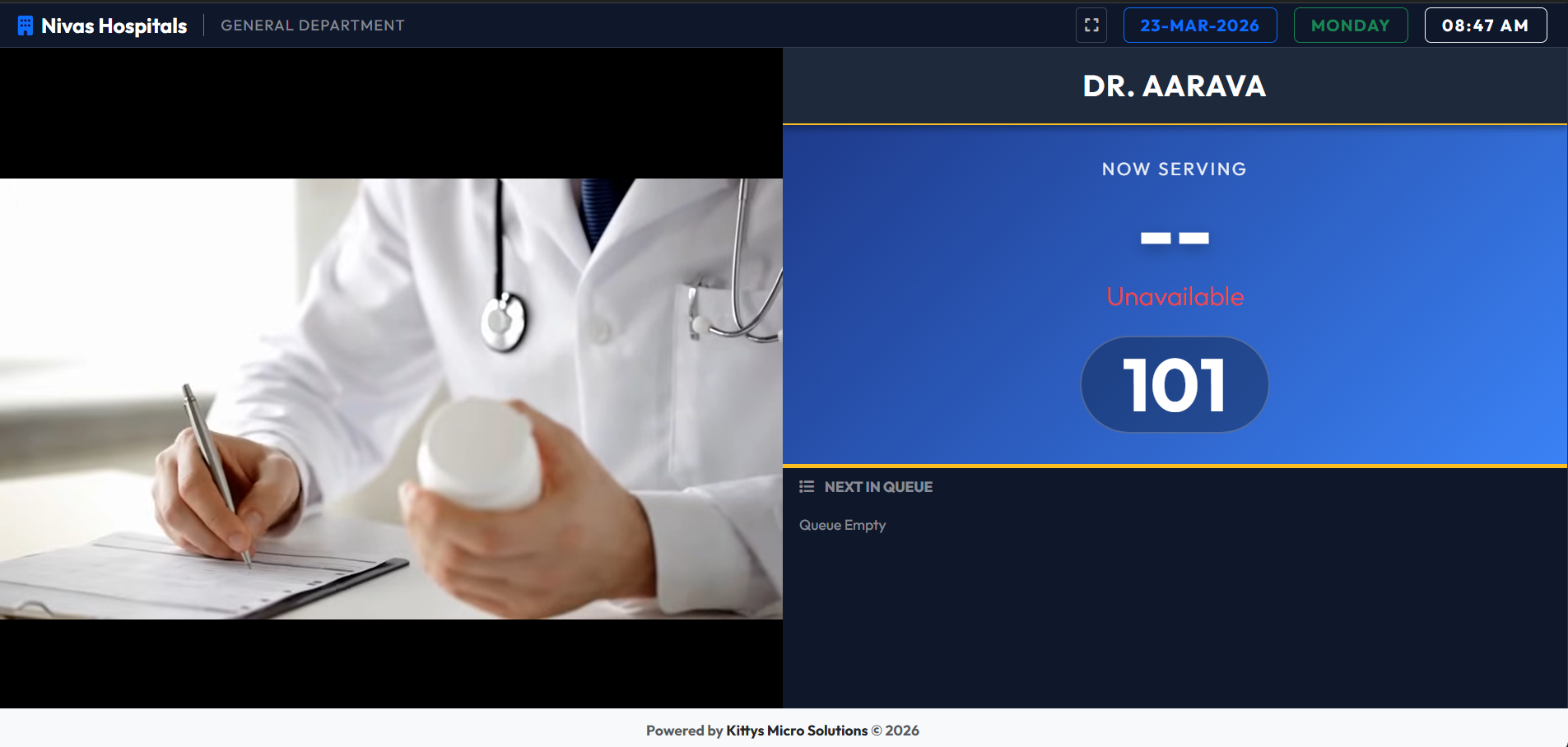
 KMS Q-SUTRA


KMS Q-SUTRA Guide
Discover how to transform your business's client flow with our smart, multi-language queue management system. This guide provides a detailed walkthrough of all system functionalities.
Key Benefits
Zero Wait Chaos
Eliminate confusion with structured token issuance and real-time queue tracking.
Multi-Language
Announce calls in Telugu, English, and Hindi to guide every visitor seamlessly.
Login Interface
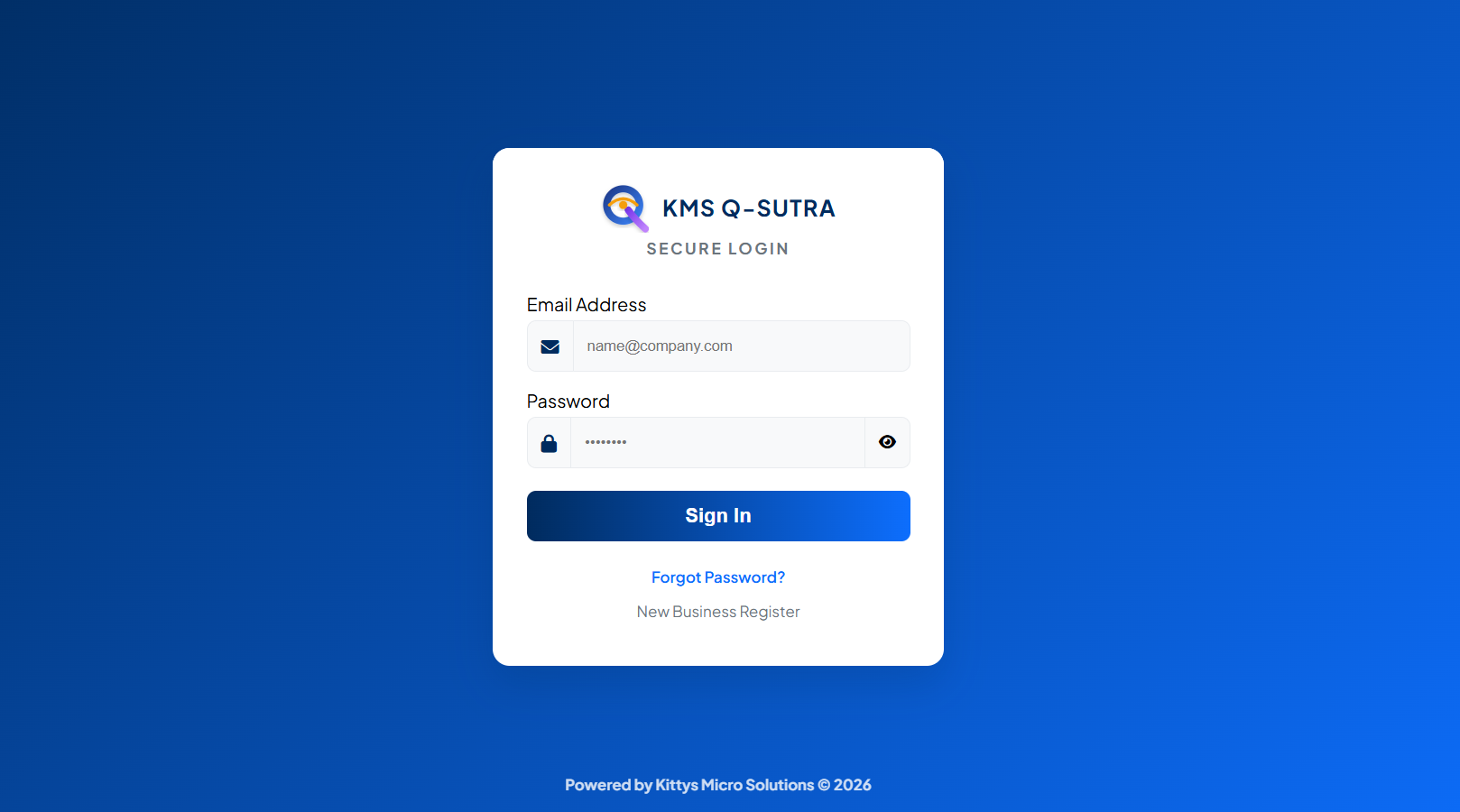
KMS Q-SUTRA features a single, unified login portal. The system intelligently detects your user role (Admin, Reseller, Staff, or Frontdesk) and directs you to your custom dashboard.
Partner Operations
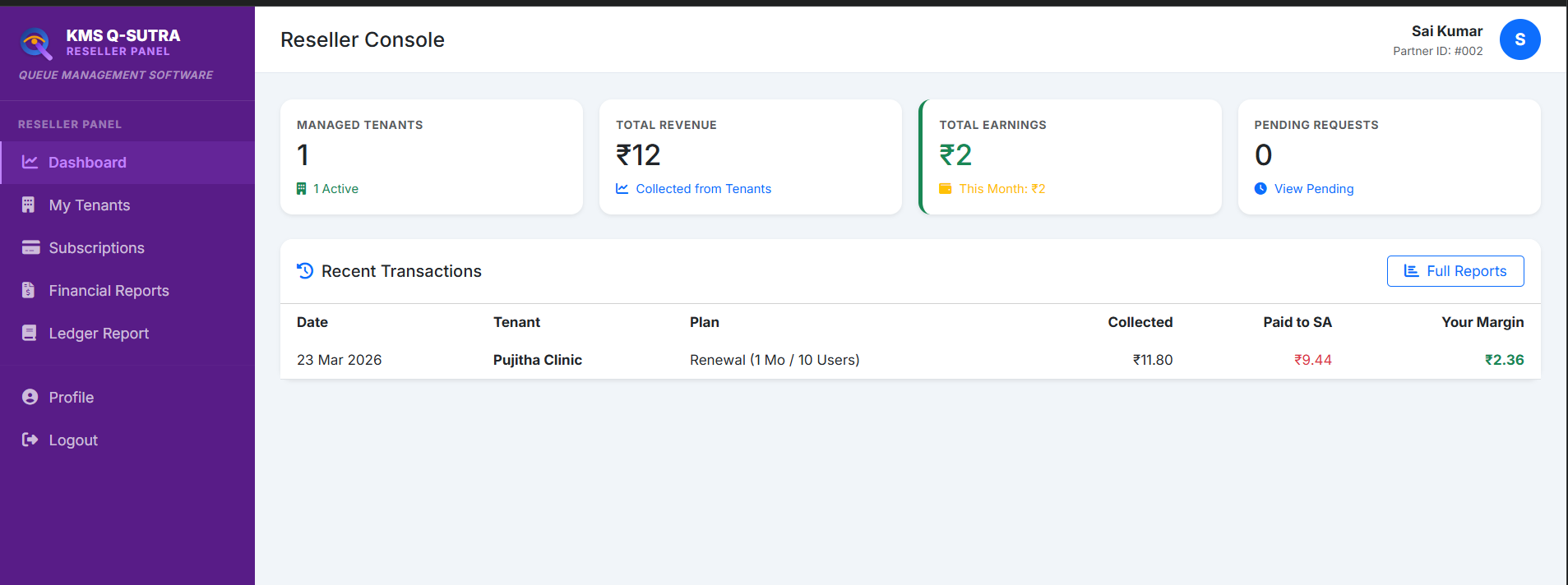
Partners (Resellers) manage their own portfolio of tenants, tracking their revenue and rebranding the software for their clients.
Tenant Management
Register new businesses/clinics and manage their subscription cycles.
Financial Reports
Track commissions, generate GSTR reports, and view overall partner revenue.
Rebranding Protocol
When enabled by Superadmin, partners can use their OWN brand name and logo on the platform.
Business Setup
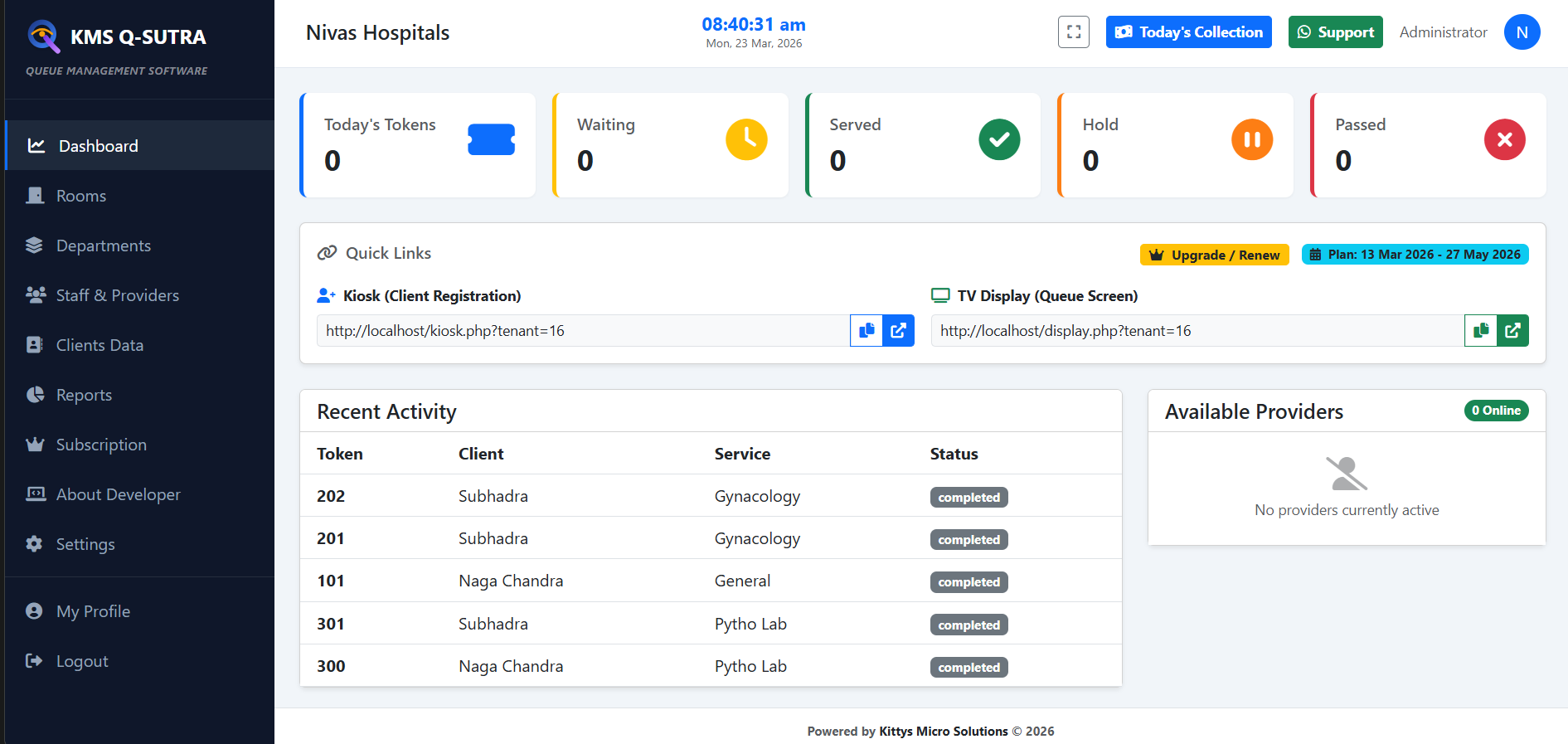
The Business Admin (Tenant) configures the actual workflow of the office or clinic, managing staff and service departments.
Department Setup
Create departments (e.g., General Medicine, Lab, Billing) with custom service fees.
Staff & Providers
Access control for Receptionist, Doctors, Technicians, and other service staff.
Plan Renewal
Seamlessly renew subscriptions via Razorpay or UPI through a dedicated renewal portal.
Reception Operations
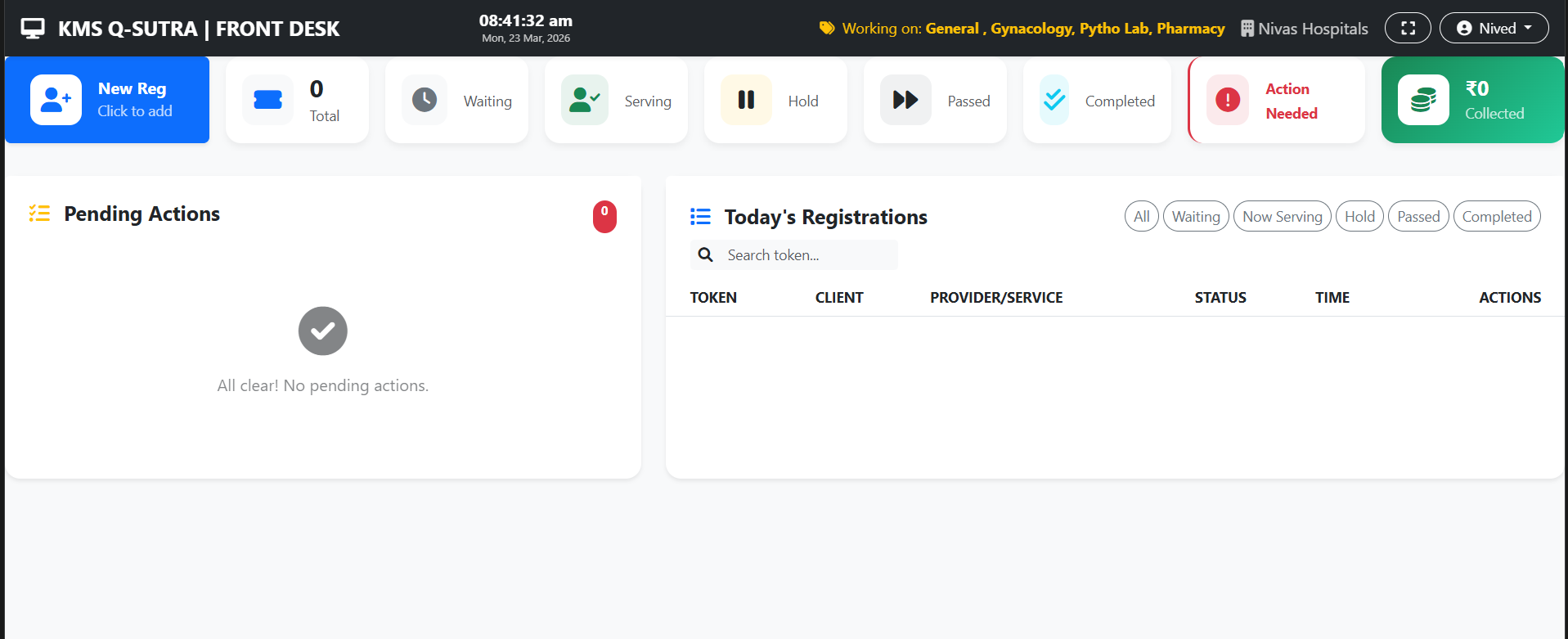
The Front Desk is the heart of the operation, managing the arrival and registration of all clients.
Rapid Registration
Quickly enter client name and phone number to issue a physical or digital token.
Fee Collection
Automatically track and record service fees collected at the time of token issuance.
Live Queue Monitor
Real-time view of client count in every department at any given time.
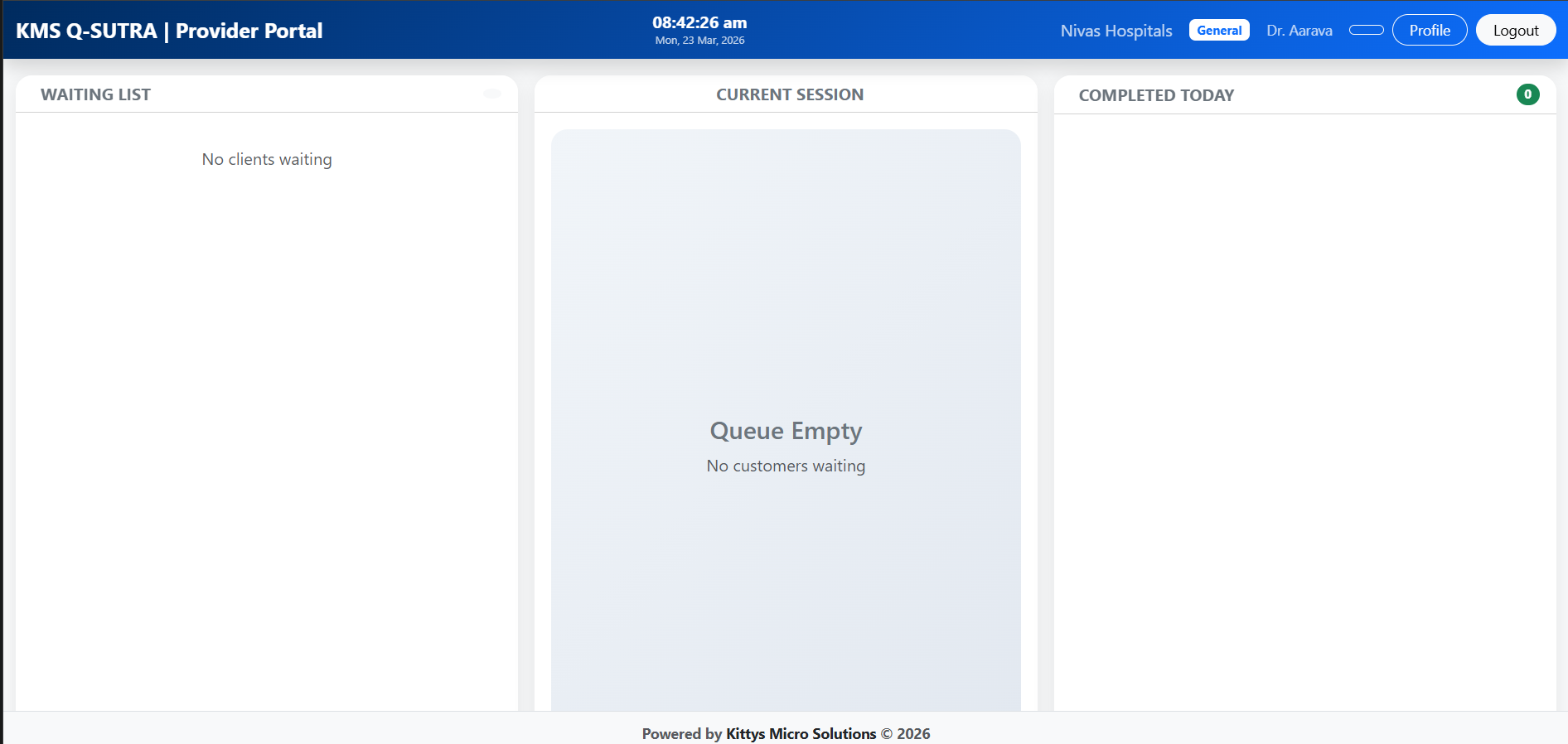
Service Management
Providers (Doctors/Officers) use this panel to call clients, manage sessions, and see client details.
Audio Announcement
Click "Call Next" to automatically announce the token number via the audio system.
Visit History
Quickly access client details and history during the service session.
Session Hold
Place clients on hold if they are temporarily away, without losing their spot in line.
Seamless Transitions
Ensuring clients don't get lost when moving from one service point to another (e.g., Doctor to Lab).
- Provider initiates a transfer from their dashboard to any other department.
- The client is automatically moved back to the Front Desk queue for fee verification.
- Front Desk verifies payment for the new service and activates the transfer.
- The target department instantly sees the transferred client in their "Next" list.
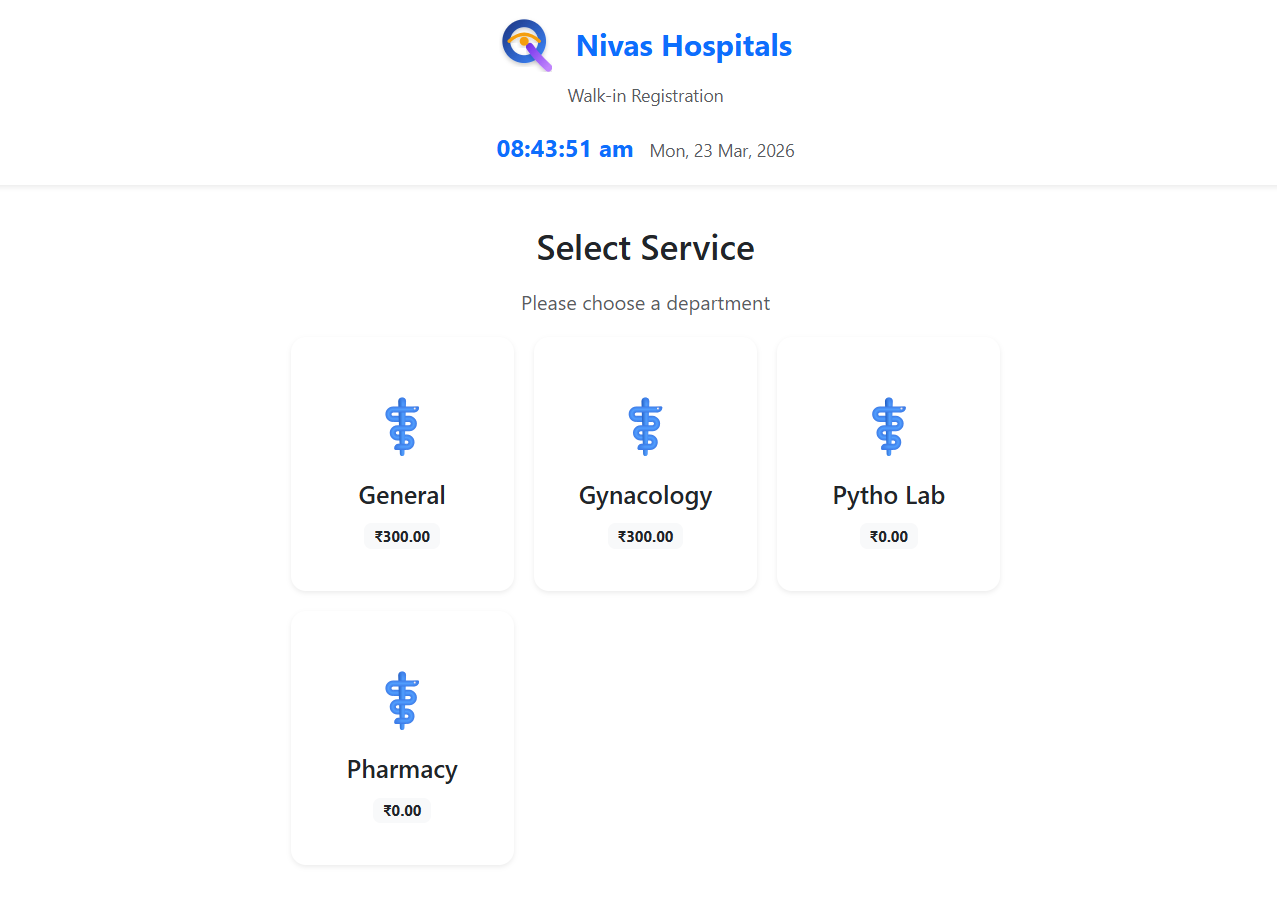
Self-Service Arrival
Touch-screen kiosks allow visitors to register themselves without receptionist intervention.
Touch UI
Large, vibrant buttons designed for easy operation on kiosks and tablets.
Thermal Printing
Instant thermal receipt printing with token number, department, and instructions.
Public Announcement
The TV display provides visual and audio guidance for all visitors in the waiting area.
Voice Announcement
Crystal clear audio calls in Telugu, English, and Hindi (configured per department).
Dynamic Grid
Automatically adjusts the display layout based on the number of active departments.
Promotional Content
Ability to display scrolling notices or videos alongside the token list.